FreeCAD – The Open-Source 3D Design Revolution
Design, Model, and Innovate Freely

Design, Model, and Innovate Freely
FreeCAD is a powerful open-source 3D modeling software designed for engineers, architects, designers, and makers. It offers professional-grade tools for mechanical design, product simulation, and parametric modeling — all completely free and community-driven.
Whether you’re designing complex mechanical assemblies, architectural models, or simple parts for 3D printing, FreeCAD provides the flexibility and precision you need.

A powerful solid-based geometry kernel
FreeCAD features an advanced geometry engine based on Open CASCADE Technology. It supports solids, Boundary Representation (BRep) objects, and Non-uniform rational basis spline (NURBS) curves and surfaces, and offers a wide range of tools to create and modify these objects, including complex Boolean operations, fillets, shape cleaning and much more.
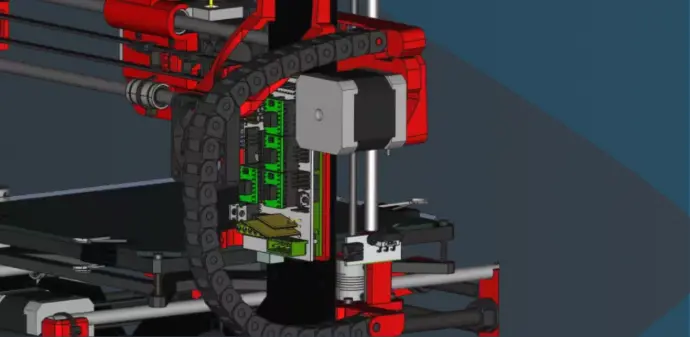
Why Choose FreeCAD?
Completely Free & Open Source: No license fees, no restrictions — full transparency and community support.
Engineering-Grade Accuracy: Used by professionals and hobbyists alike for high-precision 3D design.
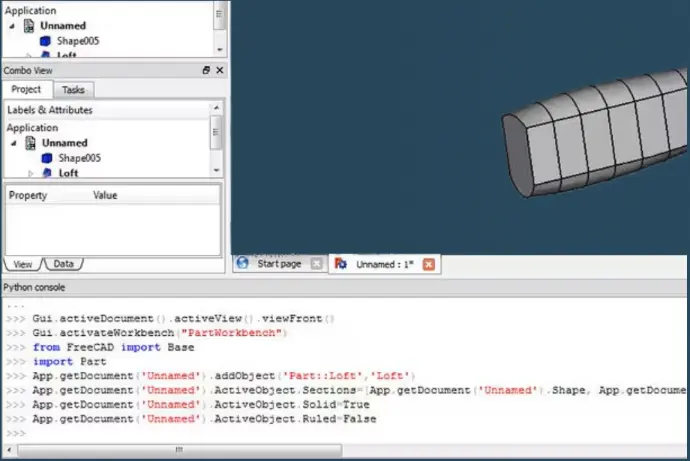
Extensible & Customizable: Python scripting and a rich ecosystem of extensions let you tailor FreeCAD to your workflow.
Active Global Community: Thousands of contributors constantly improving tools, documentation, and tutorials.
File formats frenzy
FreeCAD allows you to import and export models and many other kinds of data from your models such as analyses results or quantities data to dozens of different file formats such as STEP, IGES, OBJ, STL, DWG, DXF, SVG, SHP, DAE, IFC or OFF,
NASTRAN, VRML, OpenSCAD CSG and many more, in addition to FreeCAD's native FCStd file format. Add-on workbenches can also add more file formats.
Empower Your Creativity
From rapid prototyping to complex product design, FreeCAD empowers innovation without limitations.
Join the open-source movement and take full control of your 3D design process.
Learn more: www.freecad.org
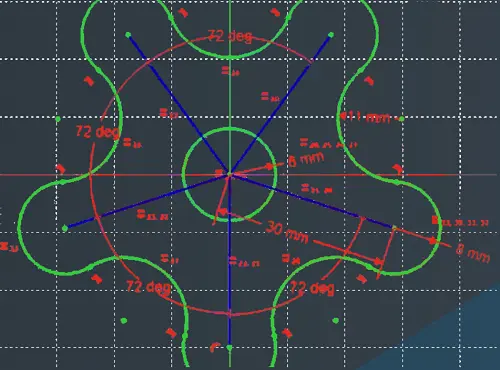
New FreeCAD Feature! Complex Extrudes from a Single Sketch Like in SolidWorks
Discover an exciting upcoming feature in FreeCAD v1.00, already available in version 0.22! Learn how to create models from a single master sketch containing multiple profiles using FreeCAD's new "profile from selection" functionality, similar to SolidWorks.
Getting imported STLs back to origin in FreeCAD via Manipulator Workbench
Importing STL files into CAD software often causes the mesh to appear far from the origin, which slows down even experienced FreeCAD users. The video presents two workflows — including one with the Manipulator Workbench — that simplify repositioning STL-derived bodies. With the right combination of settings and careful zooming, users can accurately align the imported mesh to their desired position.
How to Split Solids in FreeCAD: Advanced Techniques for Precise Cutting
The video explains advanced methods for splitting solids in FreeCAD with precision using tools like Boolean Cut, Slice, and Slice Apart in the Part Workbench. It demonstrates how to use planes and reference geometry to define accurate cutting positions. The tutorial also covers working with complex or imported shapes, ensuring geometry validity before slicing. Viewers learn to verify and clean resulting parts for professional results. Overall, it teaches how to achieve precise, parametric, and efficient 3D cutting workflows in FreeCAD.